What Is a Neural Engine in Apple Devices?
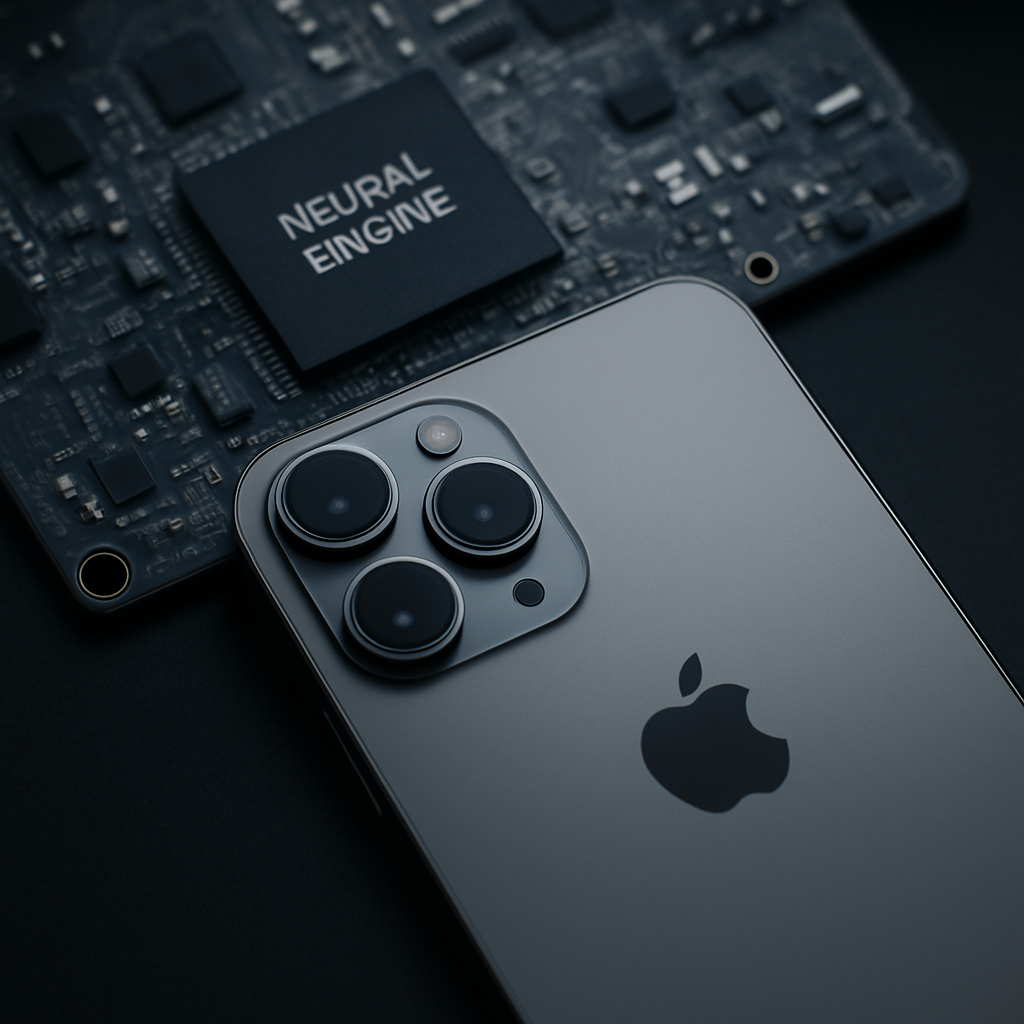
A Neural Engine is Apple’s name for dedicated hardware in Apple silicon that accelerates supported artificial-intelligence and machine-learning operations. It is designed especially for efficiently running trained models on the device, while the CPU and GPU continue to handle general computing, graphics and other workloads.
The exact Neural Engine capability, core count and software features available depend on the particular chip and device. In wider computing terminology, you may see comparable dedicated AI hardware called an NPU (neural processing unit) or an AI accelerator; those components are not necessarily identical in architecture, compatibility or performance.
What does a Neural Engine do?
A Neural Engine helps a device process certain machine-learning tasks quickly and with relatively low power use. Those tasks can include understanding what is in an image, recognising text in an image, processing speech-related input, making text predictions or applying model-based effects in an app.
In plain English, it is often used for inference. A model is first trained to recognise patterns; when it is running on a phone, tablet or Mac, it receives new input—such as a photograph, a voice sample or text—and produces a result. For example, a model might identify text that can be selected in an image or classify elements of a photo.
Dedicated AI hardware can reduce latency and energy use for supported operations, which is useful when a feature needs to respond promptly on a battery-powered device. It also makes some on-device processing possible. However, software can use different compute resources depending on the model, the operating system, the device and the task. It is not safe to assume that every AI-related feature, or every stage of a feature such as facial recognition, runs solely on the Neural Engine.
How the Neural Engine works with the CPU and GPU
The Neural Engine does not replace the main processor or graphics processor. Apple silicon uses several types of compute hardware, and the operating system or framework can use the resource that is appropriate and available for a compatible task.
| Component | Primary role | Typical AI-related use | Important limitation |
|---|---|---|---|
| CPU | General-purpose computing, app logic and system tasks | Preparing data, running general code and handling work that is not suited to specialised processors | It is flexible, but is not dedicated solely to machine-learning operations. |
| GPU | Graphics and highly parallel computing | Graphics effects and many parallel compute workloads; it may also be used by compatible machine-learning workflows | Its broad flexibility does not mean it is always the most power-efficient option for a given model. |
| Neural Engine | Supported machine-learning operations | Efficient on-device inference for compatible models and app features | Not every model, operation, app or feature can run on it. |
Which component is used is not simply a user setting. It depends on framework support, model compatibility, device capability and the way the app has been built. A model may use more than one type of processor during its workflow.
How Apple uses the Neural Engine
Apple has included Neural Engine hardware across multiple generations of A-series and M-series chips, but the design and stated performance vary by chip. In everyday use, the relevant benefit is usually the feature itself: for example, image understanding, text recognition, speech-related processing or an app’s personalised on-device function.
On-device processing can mean that certain inputs do not need to be sent to a server for that specific operation, which can improve responsiveness and can reduce the need to share data remotely. That is not a blanket privacy guarantee. An app or service may still use cloud processing or transmit information where its design, settings and privacy policy require it.
For buyers, the most useful question is normally whether a particular device supports the software feature or app they want to use. A Neural Engine is one part of the chip; its presence alone does not guarantee that every current or future AI feature will be available.
What does a 16-core Neural Engine mean?
A 16-core Neural Engine means that a particular chip contains a Neural Engine design described as having 16 processing cores. These are not 16 CPU cores, and they should not be added to a device’s CPU core count when comparing computers.
A core count is only one description of the hardware. It does not, by itself, tell you how quickly a real app or model will run. Architecture, supported model types, memory bandwidth, available memory, software optimisation, thermal conditions and the roles of the CPU and GPU can all affect results. Core counts also cannot be compared reliably across different chip designs or manufacturers as though they were a single universal performance score.
For most everyday tasks, it is more useful to check whether the exact device supports the feature, operating-system version and app you need than to decide whether a given Neural Engine core count is “good”.
What about “dual 16-core Neural Engine”?
You may encounter the phrase “dual 16-core Neural Engine” in searches or product discussions. Treat it as a specification that must be verified against the technical specifications for the exact chip and device—not as a universal description of Apple silicon or of every Apple Neural Engine.
“Dual” can be used ambiguously in technology marketing and reporting. Without an official specification for a named product, it does not establish that a device has two separate 16-core Neural Engines, nor does it provide a meaningful performance comparison by itself. Check the manufacturer’s published specifications for the precise model rather than relying on the wording alone.
What is the Neural Engine in a MacBook?
In a MacBook with applicable Apple silicon, the Neural Engine is integrated into the chip. It is not a separate card, an external accessory or an upgradeable part. Its design and capability are tied to the particular Apple chip in that Mac.
To check your MacBook, open its system information or About screen to identify the exact model and chip, then consult the manufacturer’s technical specifications for that configuration. This matters because MacBook models can use different chips, and a product-family name alone does not establish the Neural Engine specification.
The same principle applies to iPhone and iPad. Use the device’s About information to identify the exact model, then check the official technical specifications for that device. Do not assume that all devices in a family have the same Neural Engine configuration or support the same AI features.
Is a Neural Engine useful for everyday use and professional work?
For most people, a Neural Engine is useful indirectly. It can help compatible features feel responsive while keeping supported processing on the device. You usually do not need to manage it manually, and it is not a component you buy or upgrade separately.
For creative and professional users, the impact depends heavily on the application and workflow. An app that has been designed around compatible on-device models may benefit from the Neural Engine, while another task may rely mainly on the CPU, GPU or memory capacity. Results should therefore be assessed using the actual software and hardware configuration rather than a Neural Engine core count alone.
It is also important to distinguish inference from model training. Running a trained model locally is a common Neural Engine use case. Training or fine-tuning a model can have very different demands and is commonly influenced by the GPU, CPU, memory and the developer’s chosen tools. A Neural Engine should not be treated as a general-purpose guarantee of faster AI-model training.
How developers use the Apple Neural Engine
Developers generally do not program individual Neural Engine cores directly. Instead, they use Apple’s machine-learning frameworks, including Core ML, to prepare and integrate a compatible model into an app. Subject to model and device support, the framework and operating system can select an available compute unit for the work.
A practical development path is usually to:
- prepare or obtain a model that is suitable for the intended task;
- convert or package the model for the relevant Apple framework where required;
- integrate it into the app using the framework’s supported model APIs;
- test it on the target device or devices; and
- profile performance and memory use before making assumptions about the compute hardware being used.
Python can be useful in the wider machine-learning workflow—for example, when preparing or converting a model—but it does not mean Python code directly controls a Neural Engine. Likewise, a code repository does not by itself show that a model will run on the Neural Engine. Compatibility depends on the model, conversion process, framework, operating-system version and target hardware.
What a Neural Engine does not do
- It is not a separate, user-installable or upgradeable component.
- It does not automatically run every AI feature or every machine-learning model.
- It does not make all AI workloads, including model training, faster by default.
- It does not determine an app’s privacy policy; cloud-based features can still send data to a service when the app requires that.
- It does not make core count alone a reliable measure of overall device or AI performance.
In short, Apple’s Neural Engine is specialised machine-learning hardware that works alongside the CPU and GPU. Its value lies in helping compatible models run efficiently on-device, but the exact experience depends on the chip, the software and the task at hand.
Pingback: Why Does the 2008 Chevy Impala Brake Pedal Go to the Floor After Repairs or While Driving? - Premier Motoring Blog