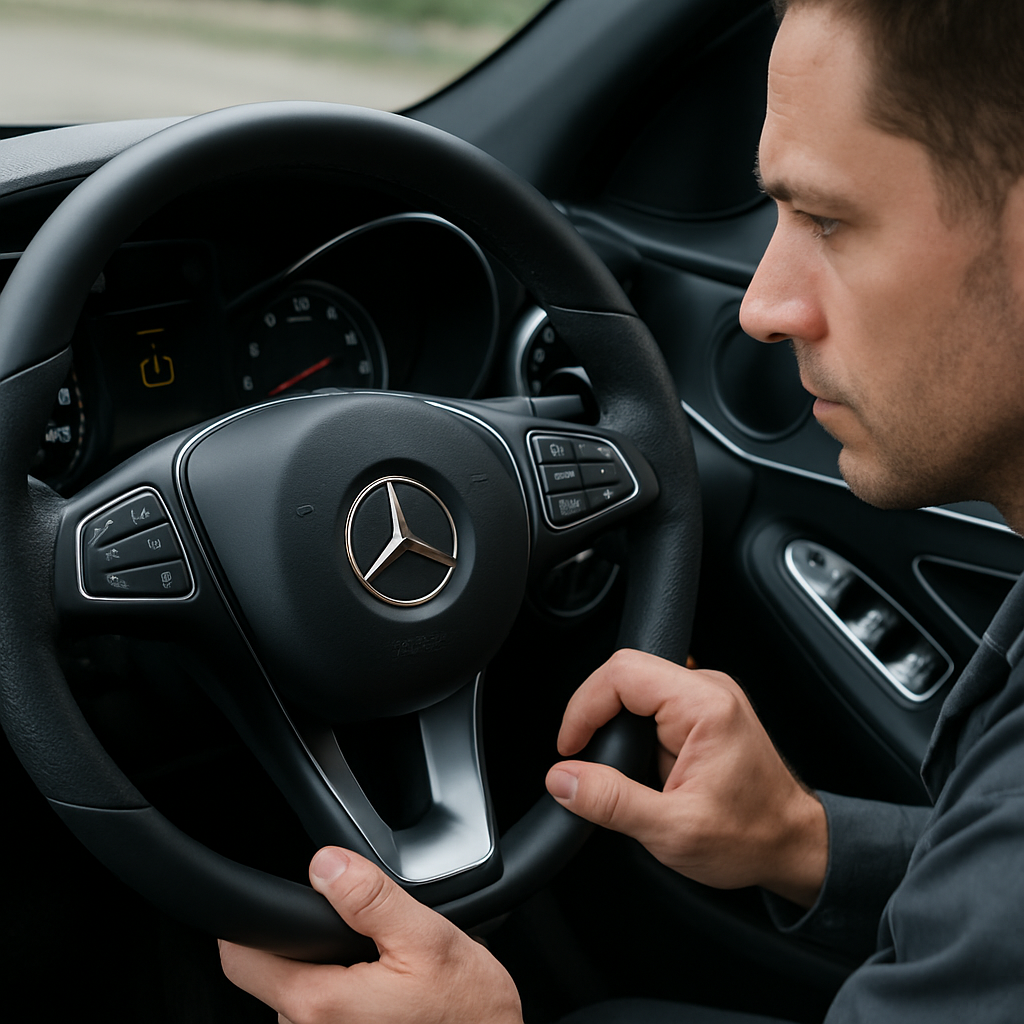
To reset the Mercedes C200 Run Flat Indicator, first check the condition and pressure of all four tyres and correct any issue found. A general reset sequence is to switch the ignition on with the engine off, use the steering-wheel or trip-computer controls to find Tire Pressure Monitor, then select Start Reset. The exact buttons and menu wording are not confirmed for every C200 model year, so refer to the owner’s manual if your display differs.
How to reset the Mercedes C200 Run Flat Indicator
The following is general guidance from an owner discussion rather than a Mercedes-Benz procedure verified for every C200 year. Do not assume that a menu sequence from another Mercedes model, C-Class variant or model year will be identical to yours.
- Park safely and inspect each tyre for obvious damage, a puncture or a visibly low tyre.
- Check the pressure of all tyres when appropriate for the vehicle’s pressure specification, and adjust them using the pressure information for your exact C200 and tyre fitment.
- Switch the ignition on, leaving the engine off.
- Use the OK or Trip controls to navigate through the instrument-display menus until Tire Pressure Monitor appears.
- Select the tyre-pressure monitor menu, then choose Start Reset, if that option is displayed.
- Follow any confirmation prompt shown on the display.
If the controls, menu names or prompts do not match your vehicle, stop there and follow the instructions in the owner’s manual for your specific C200. The general reset sequence described in this owner discussion supports the steps above, but it does not establish that they apply to every C200.
Check the tyres before resetting the warning
Resetting or restarting the Run Flat Indicator is not a repair. It does not inflate a tyre, fix a puncture or stop an underlying loss of pressure. It simply restarts the monitoring system after the tyre pressures have been checked and set correctly.
Use the tyre-pressure information supplied for your own vehicle and wheel-and-tyre configuration, such as the vehicle’s tyre-pressure label or its owner information. Do not rely on a generic pressure figure or transfer a value from another Mercedes-Benz model. This guidance does not establish a numerical tyre-pressure specification for the C200, Mercedes GLC, 2014 C250 or E-Class.
Do not reset the system as a substitute for dealing with a tyre that is visibly damaged, flat or continuing to lose pressure. Have the tyre assessed and repaired or replaced as necessary before relying on the monitoring system again.
Does this apply to 2007, 2008, 2009, 2010 and 2013 C200 models?
Owners of 2007, 2008, 2009, 2010 and 2013 Mercedes C200 models may be looking for the same basic reset process, but the available information does not verify that every one of those cars uses the same buttons, display wording or menu path. Treat the OK/Trip and Start Reset sequence as general guidance only.
This is especially important for C-Class W204 owners: consult the manual for the exact vehicle rather than assuming that instructions for another C-Class, C220, older Mercedes model or newer infotainment system will match your car.
Why the menu may differ on another Mercedes
Mercedes-Benz interfaces vary by model and generation. For example, Mercedes-Benz information for a 2020 GLB describes a touch-control-based restart method, rather than the older-style OK or Trip navigation described above. That 2020 GLB guidance is not a procedure for the C200, but it demonstrates why the correct manual for the vehicle matters.
What if the warning returns or the indicator will not reset?
A Run Flat Indicator warning that returns after a reset, or a system that does not respond to the reset command, cannot be diagnosed from the reset procedure alone. Recheck tyre condition and pressure, then consult the owner’s manual for the exact warning message.
If the warning persists, the tyres continue to lose pressure or the indicator appears inoperative, arrange an inspection by a qualified workshop. Repeatedly resetting the warning does not identify or correct its cause, and the available information does not establish a particular fault or confirm whether the vehicle is safe to drive in that situation.